Does MP4 Support Transparency? The Format Facts (No Marketing)
No - and not because of your app, your plan, or your export settings. The video codecs that MP4 files actually carry in the wild, H.264 and HEVC, encode pixels in formats like yuv420p that have no field for an alpha channel; there is nothing in the bitstream to write transparency into, so no editor at any price can put it there. A "transparent MP4" is therefore not a thing you are failing to find - it is a contradiction, like a black lightbulb. The formats that genuinely carry alpha are Apple ProRes 4444 (in a .mov container), WebM with VP9, and PNG image sequences. When a tool's landing page promises "transparent MP4", it is marketing shorthand for one of the workarounds below - and the honest move is to check the actual file it exports rather than the claim on the page.
No - and not because of your app, your plan, or your export settings. Read the full answer
The video codecs that MP4 files actually carry in the wild, H.264 and HEVC, encode pixels in formats like yuv420p that have no field for an alpha channel; there is nothing in the bitstream to write transparency into, so no editor at any price can put it there. A "transparent MP4" is therefore not a thing you are failing to find - it is a contradiction, like a black lightbulb. The formats that genuinely carry alpha are Apple ProRes 4444 (in a .mov container), WebM with VP9, and PNG image sequences. When a tool's landing page promises "transparent MP4", it is marketing shorthand for one of the workarounds below - and the honest move is to check the actual file it exports rather than the claim on the page.Why the format cannot do it
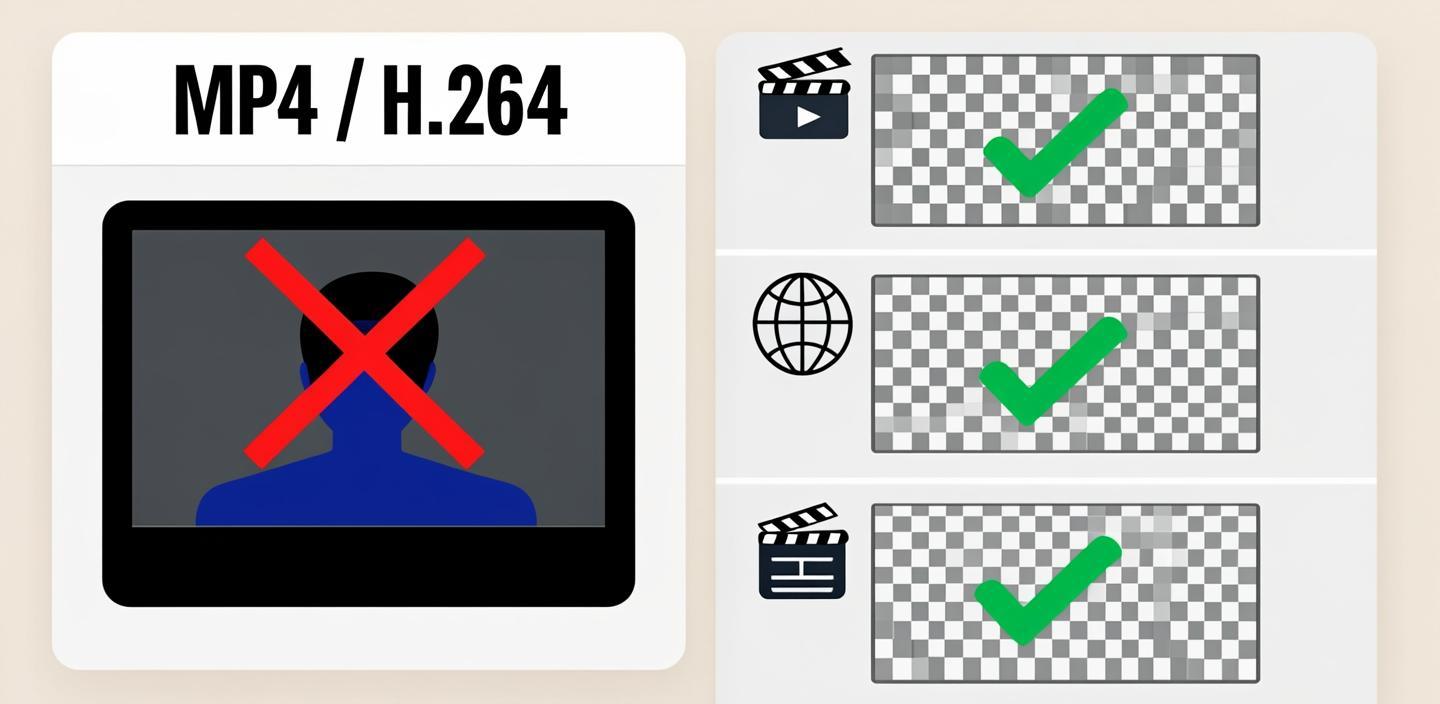
A video file is a container holding an encoded stream, and each codec speaks a fixed menu of pixel formats. The everyday delivery codecs describe every pixel as luma plus two chroma components - yuv420p, nv12 and their kin - with no fourth slot for alpha. That menu is part of the standard: players, hardware decoders and platforms build their pipelines around it, which is exactly why the format is so universally playable and exactly why it cannot smuggle in an extra channel. Transparency needs a codec whose pixel formats include alpha - yuva420p, argb and friends - and those live in other containers. None of this is a licensing or premium-feature question; it is arithmetic in the specification.
What "transparent MP4" claims actually are
When a web tool advertises transparency and ships you an MP4, one of three things is happening. Either the export is genuinely transparent but in a different container than the button suggested - a .mov with ProRes 4444 or a .webm - and the label was sloppy. Or the "transparency" is fake: the clip comes back on solid green or magenta, meant to be keyed out downstream, which is transparency deferred, not delivered. Or the tool simply exports opaque video and relies on you not checking. Telling the three apart takes one command: probe the file's pixel format - yuva420p means real alpha, yuv420p means none, whatever the page claimed.
The formats that actually carry transparency
- Apple ProRes 4444 (.mov) - the editorial standard; every compositor reads it. The 422 variants do not carry alpha; it is specifically 4444.
- WebM with VP9 - the browser format; pages render its alpha live, which makes it the delivery choice for overlay video on the web.
- PNG image sequence - every frame a still with its own alpha; bulky, boring, unbreakable.
Why your phone app keeps handing you black: mobile editors export MP4-shaped files by default, so their background removal lands on solid color in the file even when it looked transparent on the timeline - the full anatomy of that disappointment is in why your transparent export went black.
Where this leaves your workflow
Match the format to the destination, and stop asking MP4 to be something it is not. Delivering between editors or into a compositor → ProRes 4444. Embedding overlay video in a web page → WebM VP9. Handing frames to a motion designer or archiving a matte → PNG sequence. If the footage still needs its background removed before any of that, the route choice is its own question - the main guide covers the four working methods and where each breaks.
Pick in twenty seconds
- Someone promised you a transparent MP4 → ask for the actual file; probe it, or drop it in a compositor and look for the checkerboard.
- Export came back on green or magenta → that is key-it-yourself deferred transparency; plan the keying step or ask for ProRes.
- Web page needs overlay video → WebM VP9, full stop.
- Editor-to-editor delivery → ProRes 4444 .mov with alpha.
- Phone app is your only editor → its MP4 export cannot carry transparency; finish the job on desktop.
Disclosure: some links on this page are affiliate links; buying through them may earn this site a commission at no extra cost to you.