CapCut Remove Background Not Working: The Three Symptoms (and Which Are Actually Bugs)
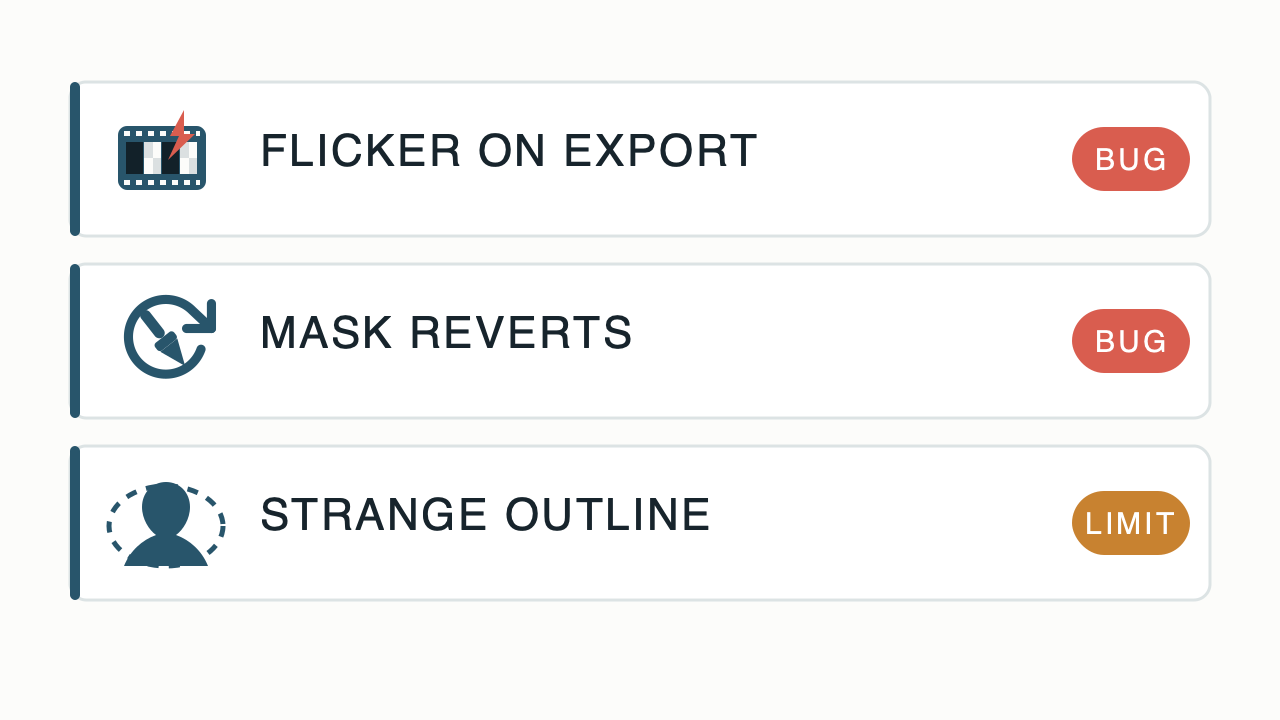
"Not working" is three different problems wearing one search query, and they need opposite responses. Symptom one: removal runs slower than it used to and the exported video flickers between the removed and original background - a bug others reproduce, workable with short test exports and version changes. Symptom two: you hand-fix the matte, get it clean, and CapCut reverts your edits - also a bug, with a different workaround. Symptom three: a strange outline or stroke appears around your subject, or whole limbs vanish - that is not a bug at all, it is the segmentation model meeting footage it cannot handle, and no amount of retrying fixes it. Diagnose which one you have before touching anything: the first two deserve troubleshooting, the third deserves a route change.
"Not working" is three different problems wearing one search query, and they need opposite responses. Read the full answer
Symptom one: removal runs slower than it used to and the exported video flickers between the removed and original background - a bug others reproduce, workable with short test exports and version changes. Symptom two: you hand-fix the matte, get it clean, and CapCut reverts your edits - also a bug, with a different workaround. Symptom three: a strange outline or stroke appears around your subject, or whole limbs vanish - that is not a bug at all, it is the segmentation model meeting footage it cannot handle, and no amount of retrying fixes it. Diagnose which one you have before touching anything: the first two deserve troubleshooting, the third deserves a route change.Symptom 1: slow processing, and flicker that only exists in the export
The signature report, from a creator with 400k followers: "when I try to remove the background the process takes way more time compared to what I am used to (2 min compared to 20 seconds) and when I export the video and watch it there is this flickering (flashes) that keep occurring... The flashes are between the removed background video and the original background" (r/CapCut). The details matter for diagnosis: the preview looks fine and the export does not, and the slowdown arrived with an update. Replies in the same thread confirm the pattern ("same exact issue"). The practical response, in order: export a short test section first instead of the full project; toggle the Cutout off and on; restart the app (clearing its cache if your platform allows); and if the version is the problem, another editor or the desktop build is the escape hatch. What does not work: re-running removal on the same clip repeatedly - same engine, same frames, same flicker.
Symptom 2: your manual fixes revert by themselves
The most infuriating variant: "I remove the background on CapCut, then I tediously remove, or add the messy bits. I get it clean, and it fucking reverts and I have to redo all my manual changes. Becomes pointless since even after getting it flawless and immediately exporting, it reverted back" (r/CapCut, same thread). A fix that survives until the moment you export is a caching or project-file problem, not your technique. The workarounds editors land on: keep the clip short enough to re-patch quickly, export immediately after the mask is clean rather than continuing to edit, and duplicate the project before touching the mask so a revert costs a paste instead of an afternoon. If it keeps happening on one project, rebuilding the timeline in a fresh project - tedious, decisive - separates a corrupted project from the app itself.
Symptom 3: strange outline, eaten limbs - the limit, not the bug
"When I try to delete the background (either auto or custom removal) the image appears with a strange stroke even if I'm not putting anything behind the video" (r/VideoEditing) - and the harder version: cutouts with "arms cut off, black shading where it shouldn't be, splotches of background still being part of the character" (r/VideoEditing). This category is the segmentation model's ceiling, not a defect you can patch: fine hair, fast motion, and low-contrast boundaries are where per-frame guesses fray. Retrying is the wrong move here - the fix is changing the inputs or the route: reshoot with subject-background contrast (or a screen), or move the clip to a different tier of tool. This site's two deep dives cover exactly which footage fails and why: hair and fine edges, and fast movement.
The triage list
- Flicker appears only in the export, removal got slower → bug; short test exports, app restart, cache clear, different build.
- Manual mask fixes silently revert → bug; export immediately after patching, duplicate the project first, rebuild the timeline if one project keeps corrupting.
- Strange stroke or outline with nothing behind the subject → limit; stop retrying, change footage or route.
- Arms or shoulders missing, background splotches riding the subject → limit; same response.
- Feature demands Pro where it used to be free → not a malfunction either; that is the subscription wall, with the still-free routes listed.
When to stop troubleshooting and switch
A rule of thumb that saves evenings: two failed attempts at a workaround means the workaround is wrong, three failed attempts at the same clip means the clip is wrong. At that point the decision tree is short - irreplaceable footage goes to a desktop editor with real keying (the main guide covers the routes), recurring content earns a one-time-purchase editor like Movavi Video Editor that never flickers because it is not guessing, and reshootable content gets reshot with contrast tomorrow instead of fought tonight.
Pick in twenty seconds
- Preview clean, export flickers → symptom 1; test-export, restart, clear, switch build.
- Clean mask reverts before export → symptom 2; duplicate project, patch, export immediately.
- Outline, halo, missing limbs → symptom 3; that is the model, not you - change inputs or tools.
- Pro badge on the button → paywall, not bug; the free-routes piece has the alternatives.
- Third failure on the same clip → stop; the clip is the problem. Reshoot, re-key, or hand it to a desktop.
Disclosure: some links on this page are affiliate links; buying through them may earn this site a commission at no extra cost to you.